Book meetings anywhere in the world without the time zone maths.
London, New York, Singapore or Tokyo: enter their time, see yours, and send the invite. Daylight saving, weekends and public holidays handled.
Want to try it before launch? Email us and we’ll send you a test invite.
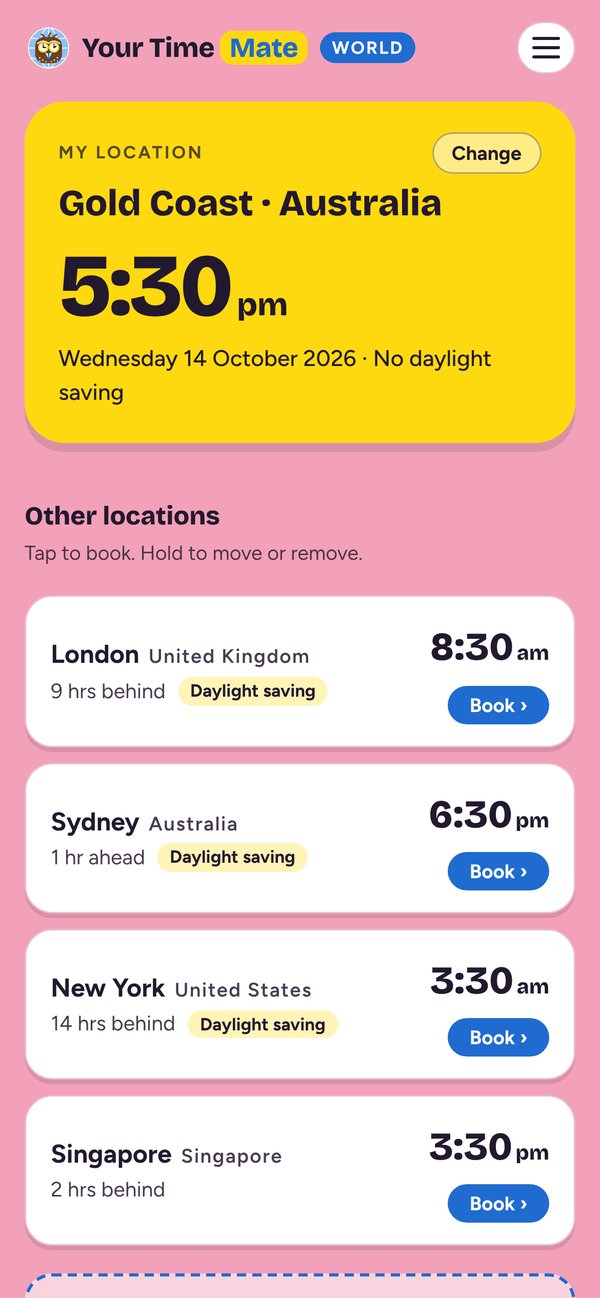
Time zones are easy to get wrong.
Countries change their clocks on different dates, and the north and south of the world move in opposite directions, so the gap between two cities changes through the year. Your Time MateWORLD does the working out for you.
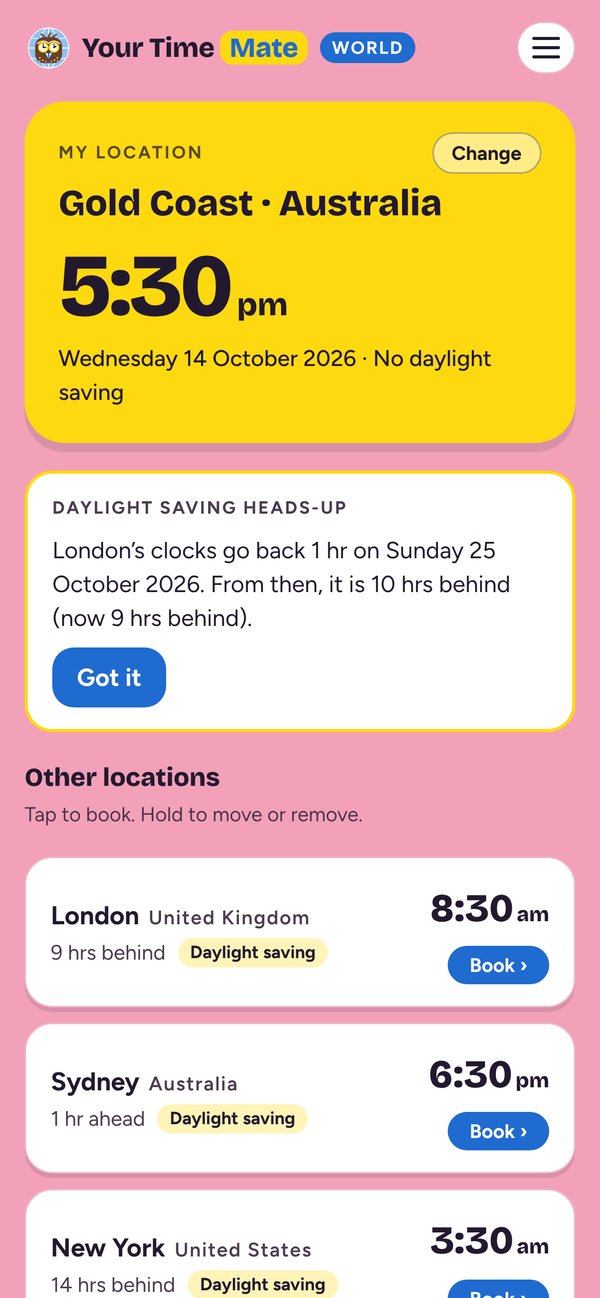
- Set where you are by searching for your city.
- Add the cities you book meetings with. Search any city or country.
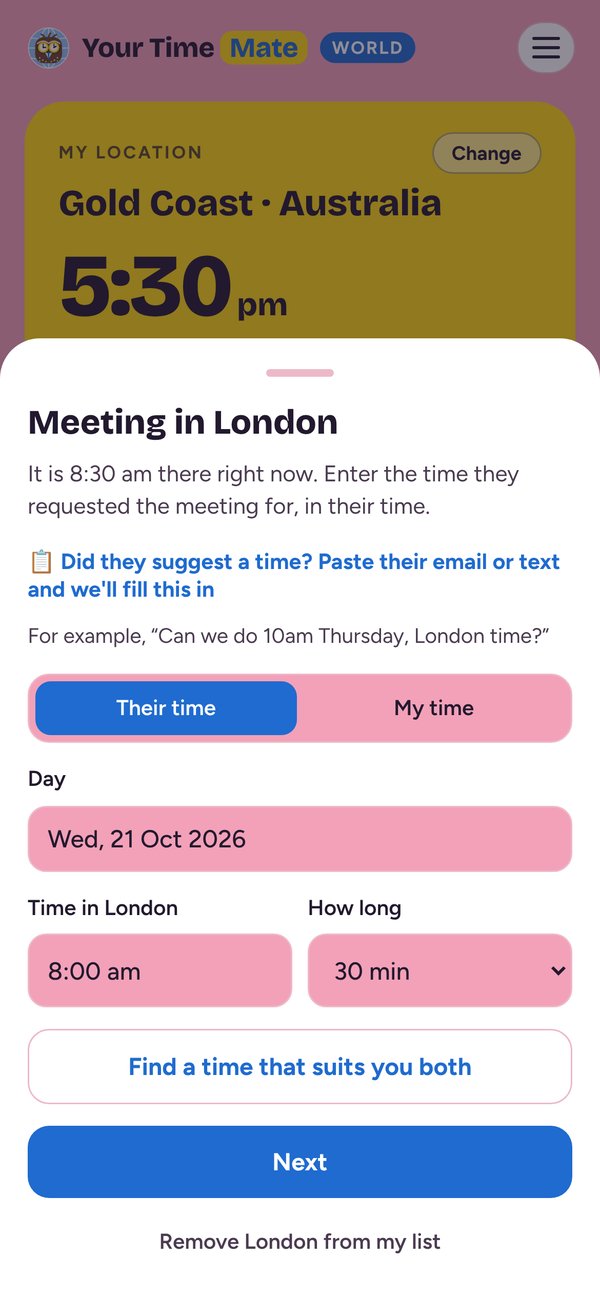
- Tap one, enter the time they asked for, and see straight away what that is for you.
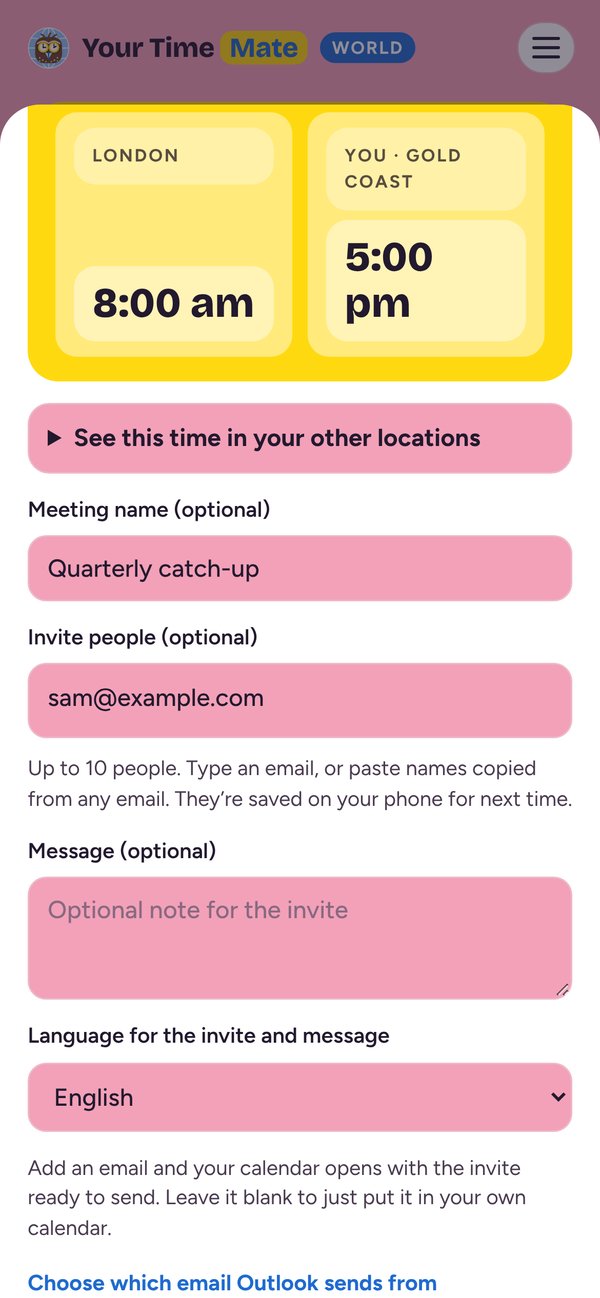
- Add it to Outlook, Google Calendar or your phone’s calendar, with the invite ready to send.
See it in action.
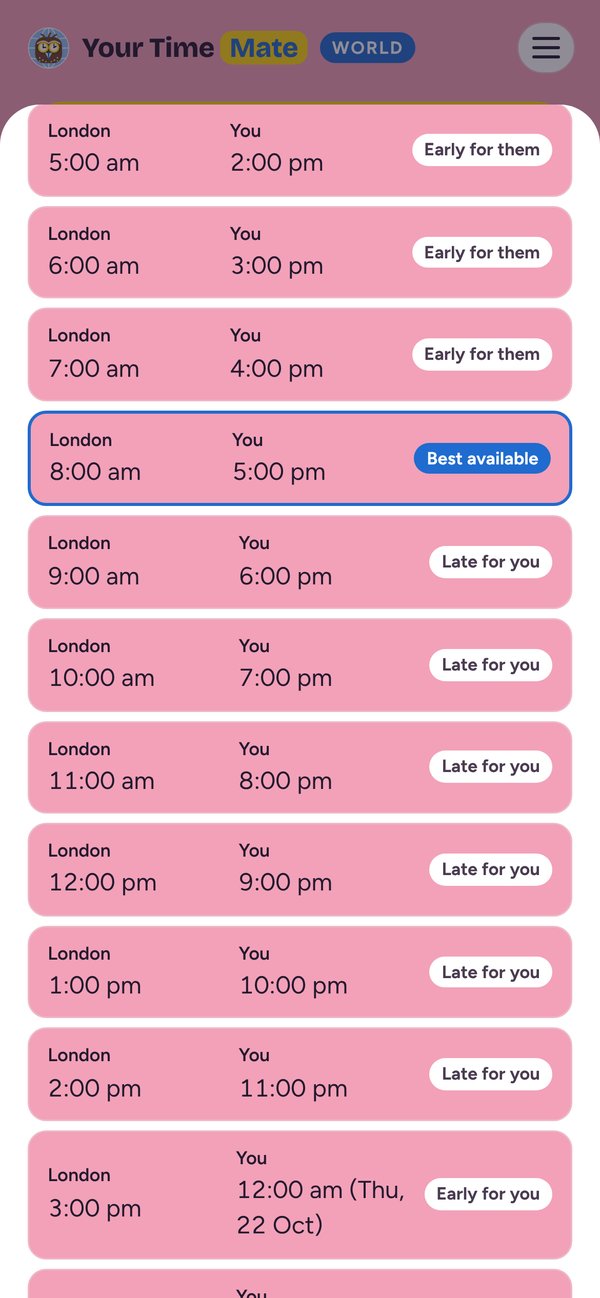
From their time to a calendar invite in under a minute.
Made for busy people.
Your work hours and theirs. If no time fits both days, it still suggests the closest.
A heads-up before any clock change that affects your selected cities.
Knows which days are the weekend in each country, so you don’t reach out at the wrong time.
For many countries, including Australia, the UK, Europe, the US, Canada, India and Singapore.
Use the app in your language and send invites in theirs. Write in English and they receive it in French (for example).
Invite everyone in one go. Each person sees the meeting in their own time.
Not just for work.
Family overseas, a partner working abroad, or friends on the other side of the world? When you set up, choose Family and friends and the app switches from business wording to friendlier catch-up wording. It suggests times when you’re both awake, not just work hours, and skips the weekend warnings. Use it for both and keep work and family in separate lists.
Private by design.
No account, no sign-up and no tracking. Your cities and meetings stay on your phone.
Free, with an optional Pro upgrade.
The app is free, with 2 cities on top of your own. Pro is a one-off upgrade, not a subscription. It adds as many cities as you like, plus your own work hours, public holiday and weekend warnings, daylight saving reminders as notifications, recent meetings, your next meeting on the home screen widget, and “Send from” (add more Outlook mailboxes to send invites from).
The times, without opening the app.
Add the Your Time MateWORLD widget to your phone’s home screen and see the time in each of your cities. Pick the size that suits you, from a small square to a full list. Tap it and you’re straight into the app.
 Your Time Mate World
Also available: the Australian edition.
The Your Time Mate team also produces a separate app called Your Time Mate, just for Australian states, with postcode search for every suburb and town, and each state’s own public holidays. It’s a separate download.